日本の名刺に役職を書く理由とは?肩書きが持つビジネス上の意味
名刺の肩書きは単なる飾りではありません。立場の即時提示、業務の明確化、デジタル管理での検索性向上など、実務に直結する意味があるため、書き方と運用ルールを整える必要があります。
Instantly scan, save, and manage all your business cards with AI. Connect smarter, work faster, and never lose a contact again.

Discover how Boxcard helps you manage business cards smarter. Powered by AI, designed for speed and simplicity — everything you need to scan, save, and organize your professional connections in one place.

BoxCard’s AI engine automatically detects and digitizes all details from your business cards — including name, title, company, phone number, and email — with exceptional accuracy. Forget manual input; simply scan, and your data is instantly ready for use.
Easily export your digital contacts to Excel or CSV files and share them via email or within your team. Whether you're managing leads, syncing with CRM tools, or sharing client lists, Boxcard ensures smooth and flexible data handling.
All your scanned cards are securely stored in the cloud, allowing you to access them anytime, anywhere, from any device. Even if you change phones or reinstall the app, your contact database remains safe and always up to date.
Find the right contact in seconds using smart search filters by name, company, or keyword. Organize your connections with customizable tags to manage hundreds of business relationships effortlessly.
There are many variations of passages of Lorem Ipsum available, but the majority have suffered alteration in some form.
Accurately scan both sides of a business card to automatically capture all information.
Easily download saved business card information in CSV format.
Automatically displays mutual acquaintances, helping you visualize your network connections.
Integrate with your phone and email contacts to get in touch instantly.
Experience a clean, intuitive, and user-friendly design built for professionals. From scanning business cards to managing contacts and sharing data, every feature is designed for speed, simplicity, and efficiency.


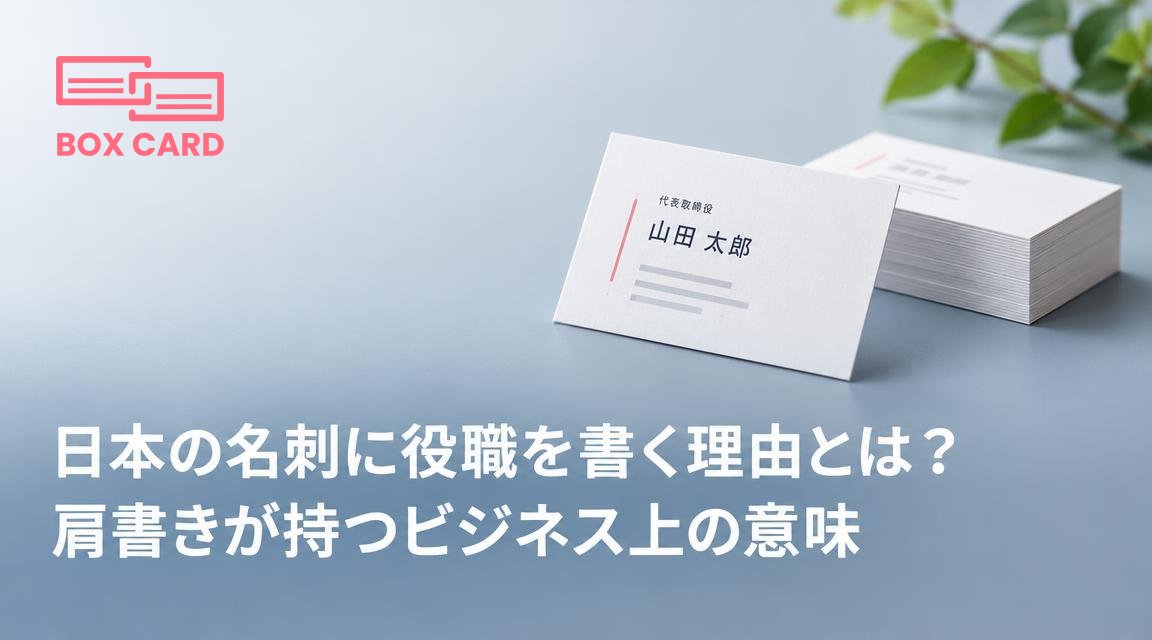
名刺の肩書きは単なる飾りではありません。立場の即時提示、業務の明確化、デジタル管理での検索性向上など、実務に直結する意味があるため、書き方と運用ルールを整える必要があります。
展示会で集めた名刺は放置すると価値が下がります。48時間以内のデジタル化、優先順位付け、個別フォローを軸に、名刺管理ツールやCRM連携を使って展示会の成果を確実に営業に結びつける具体的な手順を解説します。
展示会後の初動で最も重要なのは、名刺を速やかにデジタル化し優先順位を付けることです。この記事は初参加の営業担当向けに、72時間とその後2週間で行う実務チェックリストを示します。
Boxcard uses advanced AI technology to automatically detect and digitize names, phone numbers, emails, and other details with high accuracy.ably haven't heard of them accusamus labore sustainable VHS.
Yes. Your data is securely synced through the cloud, allowing you to access all your cards anytime, on any device.
Absolutely. All information is encrypted and stored securely on our servers, ensuring your privacy and protection.
Yes, Boxcard supports exporting data to Excel (XLSX) and CSV, making it easy to manage or share with your team.
Yes. Boxcard currently supports English, Japanese, Vietnamese, Korean, and Chinese, and more languages will be added in future updates.
Yes. Boxcard allows you to easily share your business cards with other accounts in the system, enabling smooth and collaborative use.