Sales Acceleration at Japan IT Week Spring 2026: Strategic Business Card Management with CRM and AI Automation
At Japan IT Week 2026, business card exchanges are critical B2B touchpoints, and success depends on quickly extracting, accurately digitizing, and activating that data in CRM systems.
1. The New Reality of Networking at Japan IT Week
Trade show networking has changed. Attendees no longer linger for long conversations at every booth. Decisions are made in minutes, often on smartphones.
What’s shifted?
- ・Average time spent at a booth is now around 3–5 minutes.
- ・Attendees expect digital interaction — QR codes and NFC are as common as paper cards.
- ・The moment after a conversation ends is the most critical window for data capture.
Because of this, your competitive edge comes down not to what you collect but how fast you can act on it.
2. A Strategic View on Business Card Digitization Tools
A modern business card scanner isn’t just a way to snap pictures of cards. The best solutions transform unstructured text into CRM‑ready contacts you can act on immediately. In 2026, tools fall into three broad categories:
Category | Purpose | Examples | Best Use Case |
Precision Data Capture | Clean, highly accurate structured data | Sansan, Eight | Complex Japanese cards & enterprise workflows |
CRM‑centric Platforms | Manage the sales pipeline | Salesforce, HubSpot | Automating follow‑ups and scoring |
Fast AI Scanners | Rapid data capture and CRM push | Boxcard | On‑site speed at trade shows |
This is not about which tool is “best” overall — it’s about picking the right tool for the role it plays in your workflow.
Precision Tools (Sansan / Eight)
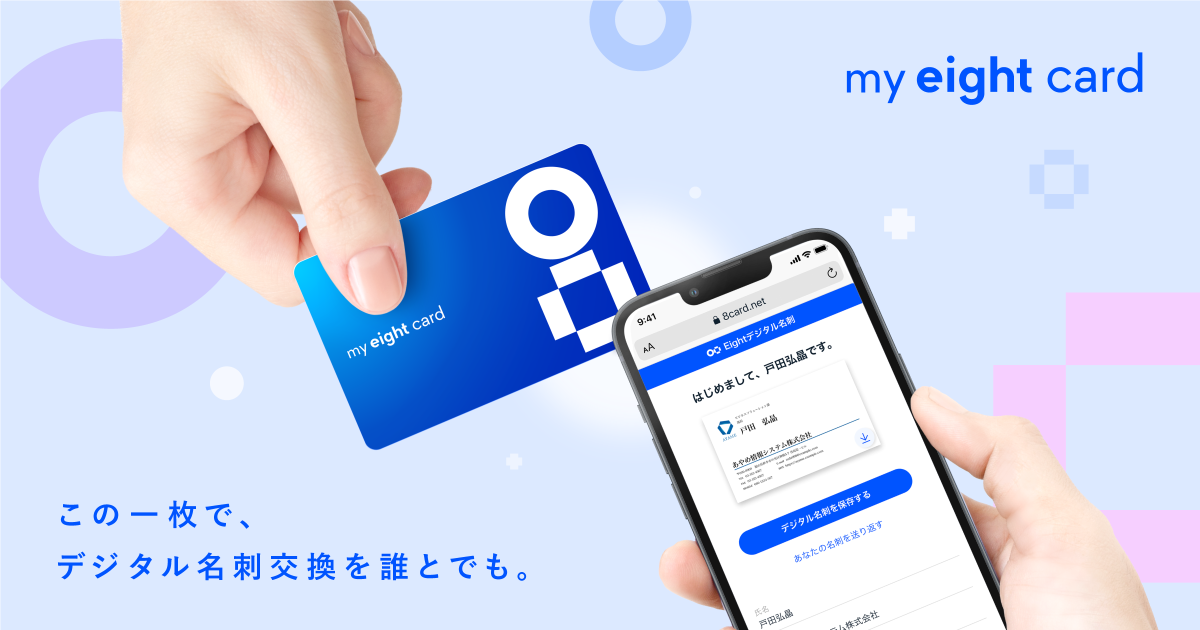
These tools excel at converting even challenging Japanese business card formats into extremely accurate structured data — handling variant characters, vertical layouts, addresses, and titles with very low error rates. They are ideal when data correctness is critical — such as large enterprise accounts or update‑sensitive contacts.
However, the trade‑off is real‑time speed; they may not be the fastest option when you’re trying to follow up moments after a conversation.
Use them for:
- ・high‑value prospects
- ・key strategic accounts
- ・cleaning and enriching data before long‑term nurturing
CRM Operations (Salesforce / HubSpot)
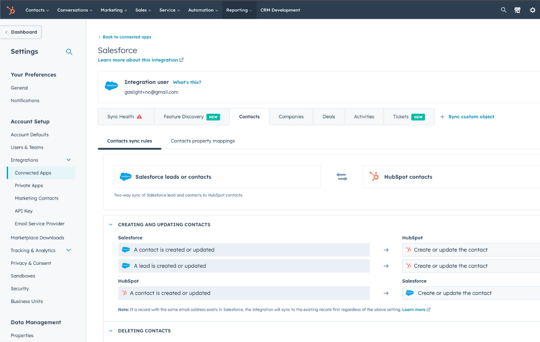
CRM platforms are not scanners — they are the central nervous systems of your sales process. They help you manage:
・lead scoring
・automated assignments
・follow‑up campaigns
・pipeline reporting
The critical point is this: a CRM only adds value when contacts enter it quickly and completely. Manual export and import slows everything down and leads to opportunities slipping through the cracks.
Speed‑First AI Scanners (Boxcard)

At a trade show, time per lead is measured in minutes, sometimes seconds. Tools like Boxcard prioritize turning a business card into actionable, CRM‑ready contact records immediately.
Their goal isn’t perfection — it’s immediacy.
They do a few things particularly well:
・convert scans in seconds
・push to CRM automatically
・handle Japanese and multiple languages
・enable same‑day follow‑up while memory is fresh
This means you’ll often choose 90% accuracy today over 100% accuracy tomorrow — because that first follow‑up window is where deals begin to happen.
Download Boxcard today from the Apple Store or Google Store and start improving your contact management workflow.
Key Insights:
・Speed vs. Precision: Boxcard wins for immediate action at the booth; Sansan/Eight ensures data accuracy for long-term CRM value.
・Integration Planning Matters: Salesforce or HubSpot only delivers ROI when paired with a scanning tool that feeds data consistently.
・Multi-Language Advantage: For Japanese-Vietnamese interactions or global visitors, Boxcard drastically reduces errors in names, addresses, and company info.
・Deployment Simplicity: Quick adoption matters at busy trade shows. Choose lightweight apps for temporary staff, and heavier solutions for back-office validation.
3. Designing Your On‑Site Operational Flow
A tool is only as good as how you use it. To ensure that every lead becomes actionable:
・Scan Immediately
Right after the exchange, snap the card — within 30 seconds if possible. Waiting even hours increases loss rates.
・Add Quick Notes
Capture context like challenges discussed, product interest, or timeline using voice‑to‑text or quick notes.
・Tag for Prioritization
Use simple tags (e.g., A/B/C) so your CRM can route high‑value leads into immediate follow‑up sequences.
This structured approach turns chaos into a repeatable workflow.
4. CRM Integration: Turning Static Contacts into Dynamic Opportunities
![How to Scan Business Cards into a Spreadsheet [2021 Edition] | The Best Cross-Platform Contact Manager App | Contacts+](https://www.contactsplus.com/wp-content/uploads/2019/05/card-scan-e1623860309564-1024x640.jpg)
Once scanned and cleaned, your contact data should flow into your CRM without manual steps.
Focus on:
- ・real‑time sync to CRM
- ・AI‑driven deduplication and contact matching
- ・automated scoring and assignment
This is where digital business card data stops being “just a contact” and starts driving revenue pipelines.
5. Post‑Event Automation: Follow‑Up Speed Wins
Follow‑up is a race against time. Your goal should be:
- ・Send personalized thank‑you messages the same day
- ・Trigger automated campaigns based on interest
- ・Use multi‑channel outreach (email, LinkedIn, phone)
A CRM that integrates with your business card workflow lets you spin up intelligent sequences without leaving your sales stack.
6. Infrastructure Risk and Continuity
Busy show floors = crowded networks. To mitigate risk:
- ・Use apps with offline capture and deferred sync
- ・Ensure CRM access and mobile access controls
- ・Protect data with encryption and role‑based permissions
Strong infrastructure planning prevents lost leads due to simple connectivity issues.
7. Infrastructure and Risk Management: Keep Leads Flowing No Matter What
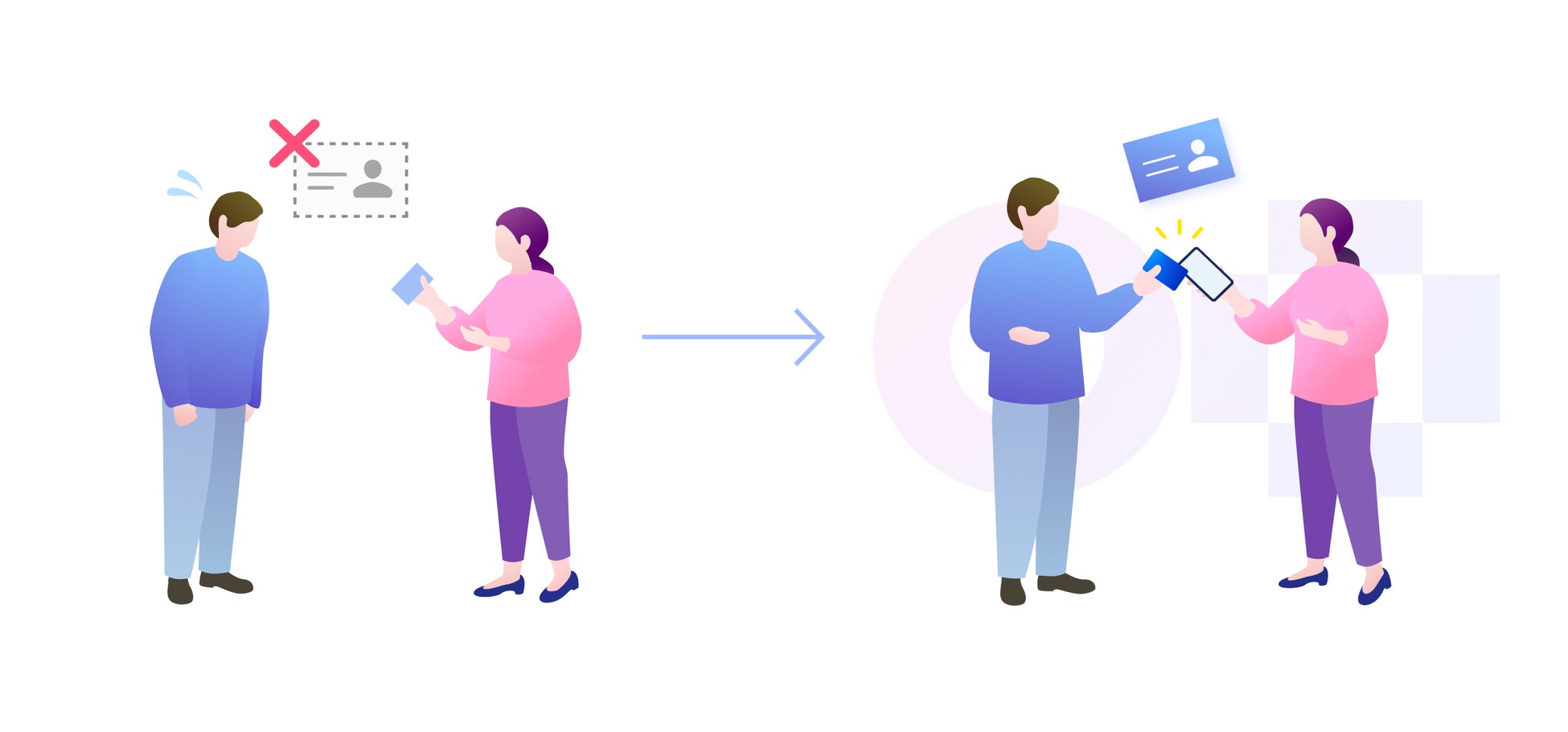
Trade shows are unpredictable. Even with the best tools, connectivity issues, device failures, or unexpected data gaps can derail your lead capture workflow. Minimizing these risks is critical.
Key strategies:
- ・Offline-first design: Use scanners and apps that store data locally if Wi-Fi or mobile networks fail, then sync automatically when connectivity is restored.
- ・Device readiness: Ensure all tablets, phones, and backup chargers are fully prepared — low battery or missing accessories can cost valuable leads.
- ・Secure access: Apply role-based permissions, two-factor authentication, and encrypted connections to prevent accidental exposure of sensitive contacts.
- ・Redundancy planning: Keep a simple backup workflow (manual QR capture or temporary spreadsheets) for critical leads in case of system downtime.
・The principle: plan for failure, but don’t let it slow down your sales momentum. Fast recovery is as important as speed in initial capture.
8. Trade Show Execution Checklist: From Pre-Event to Post-Event Action
Turn your Japan IT Week experience into measurable ROI by following a 3-phase checklist:
Pre-Event:
- ・Configure CRM integrations and user access
- ・Predefine tag systems and lead priorities
- ・Train staff on scanning workflow and follow-up protocols
During Event:
- ・Scan business cards immediately after each exchange
- ・Capture context: interest, budget, timeline, or concerns
- ・Tag leads for priority and sync with CRM (offline mode ready)
- ・Monitor tool performance and troubleshoot on the spot
Post-Event:
- ・Consolidate, clean, and deduplicate leads in CRM
- ・Trigger same-day personalized follow-up messages
- ・Schedule multi-channel outreach (email, LinkedIn, phone)
- ・Track KPIs: qualified leads, meeting conversion, pipeline growth
- ・Review lessons learned and update workflows for the next event
By rigorously following these steps, your team converts every card into action, ensuring that temporary event interactions translate into lasting business opportunities.
At Japan IT Week Spring 2026, your ability to convert business card exchanges into actionable leads — quickly and accurately — can be the difference between lost contacts in a drawer and a pipeline of qualified opportunities. By combining AI‑powered scanning with CRM automation and clear operational flows, you turn a chaotic event into a strategic advantage. Use tools not as standalone solutions but as components in a repeatable, scalable workflow that drives your sales engine forward — from first scan to close.