台湾の展示会で名刺交換した後にやるべきこと|効率的な名刺管理方法
台湾の展示会で受け取った名刺は、会場での写真撮影と48時間以内のデジタル化が成功の分かれ目。優先順位付け、短い個別フォロー、チームでの共有ルールを決める手順を実例付きで解説します。
Instantly scan, save, and manage all your business cards with AI. Connect smarter, work faster, and never lose a contact again.

Discover how Boxcard helps you manage business cards smarter. Powered by AI, designed for speed and simplicity — everything you need to scan, save, and organize your professional connections in one place.

BoxCard’s AI engine automatically detects and digitizes all details from your business cards — including name, title, company, phone number, and email — with exceptional accuracy. Forget manual input; simply scan, and your data is instantly ready for use.
Easily export your digital contacts to Excel or CSV files and share them via email or within your team. Whether you're managing leads, syncing with CRM tools, or sharing client lists, Boxcard ensures smooth and flexible data handling.
All your scanned cards are securely stored in the cloud, allowing you to access them anytime, anywhere, from any device. Even if you change phones or reinstall the app, your contact database remains safe and always up to date.
Find the right contact in seconds using smart search filters by name, company, or keyword. Organize your connections with customizable tags to manage hundreds of business relationships effortlessly.
There are many variations of passages of Lorem Ipsum available, but the majority have suffered alteration in some form.
Accurately scan both sides of a business card to automatically capture all information.
Easily download saved business card information in CSV format.
Automatically displays mutual acquaintances, helping you visualize your network connections.
Integrate with your phone and email contacts to get in touch instantly.
Experience a clean, intuitive, and user-friendly design built for professionals. From scanning business cards to managing contacts and sharing data, every feature is designed for speed, simplicity, and efficiency.


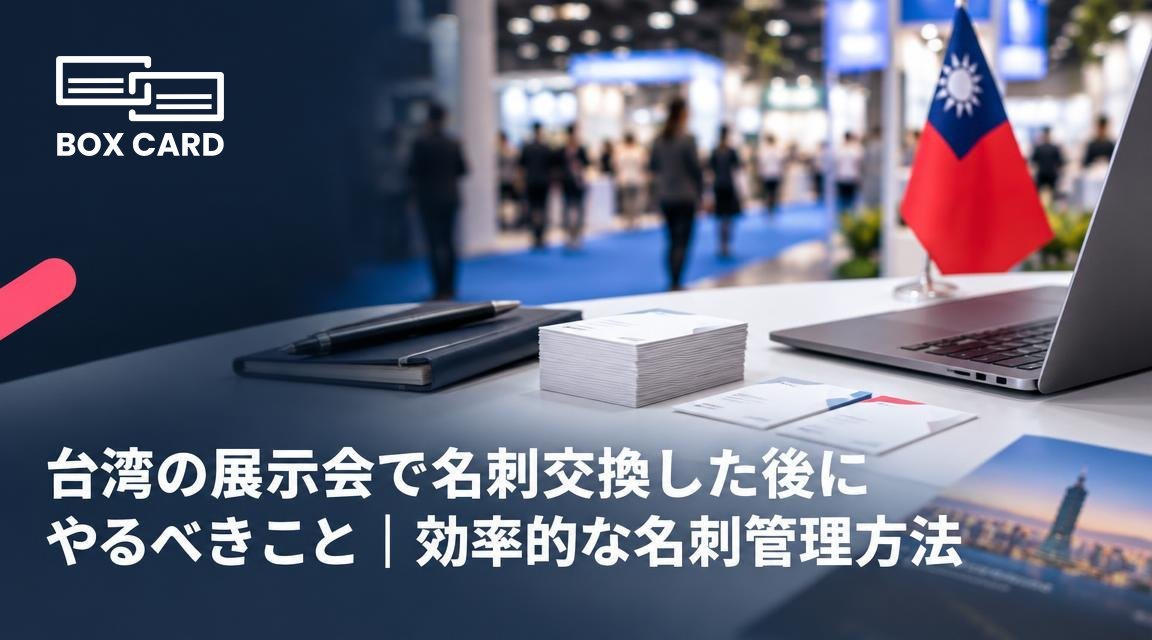
台湾の展示会で受け取った名刺は、会場での写真撮影と48時間以内のデジタル化が成功の分かれ目。優先順位付け、短い個別フォロー、チームでの共有ルールを決める手順を実例付きで解説します。
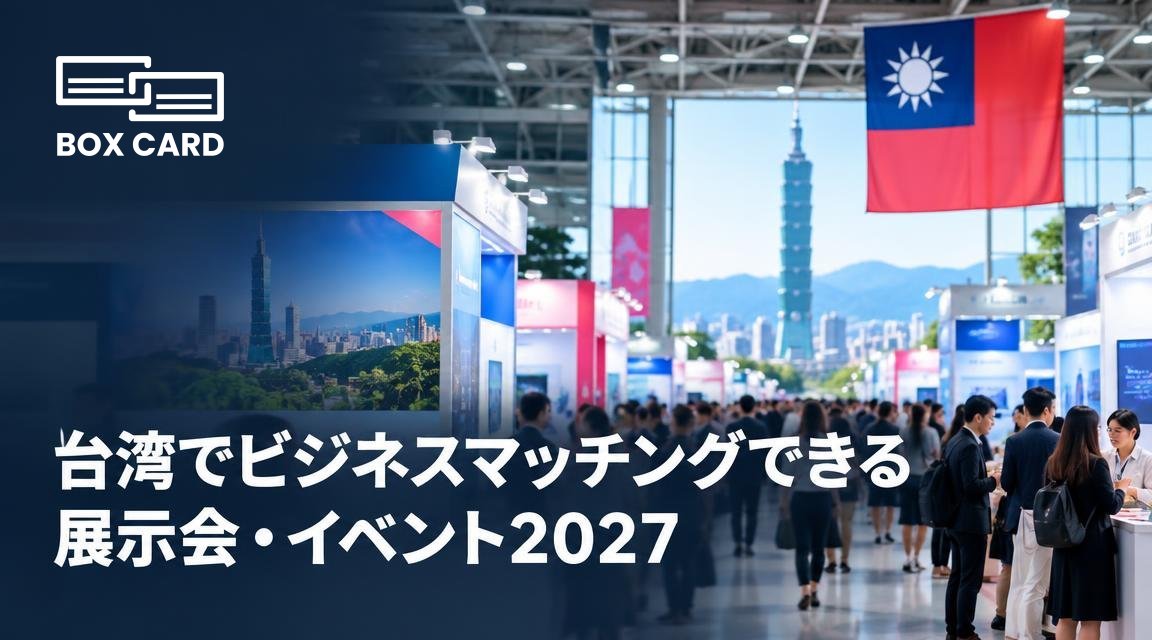
台湾で効率よく商談相手と出会うには、業種に合った展示会選びと事前アポが鍵です。この記事では代表的なイベントの使い分け、現場での具体的な勝ち方、そしてイベント後の名刺管理とフォロー方法まで実務的に解説します。
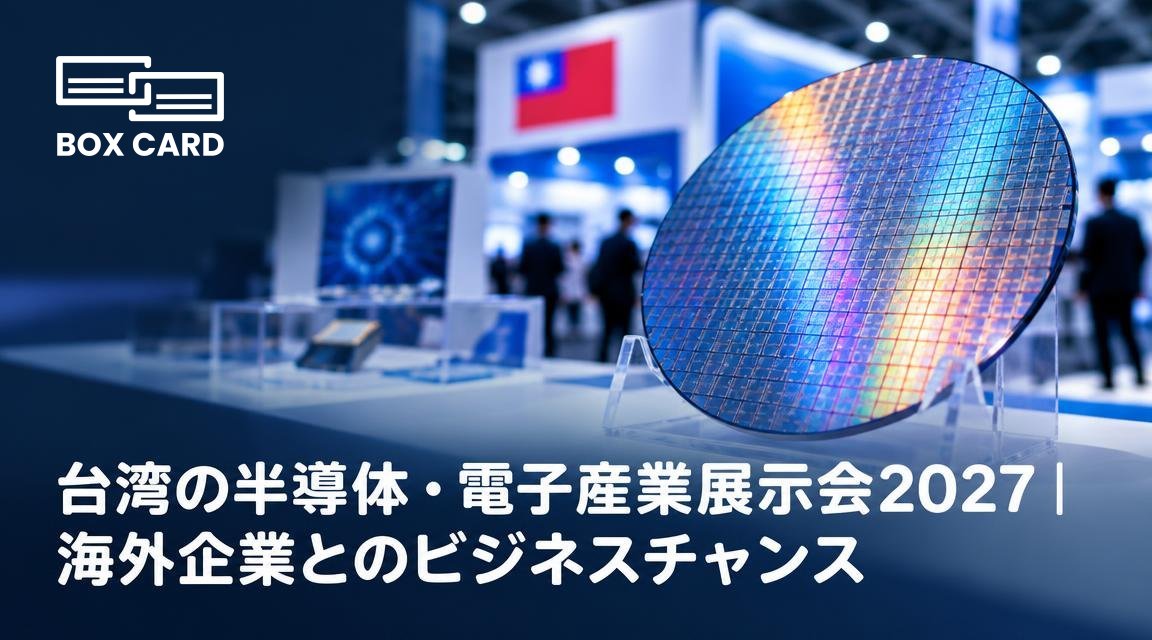
台湾の主要展示会で結果を出すには、目的の明確化、ターゲット事前アポイント、英語と繁体字の資料、名刺の即時デジタル化が不可欠です。この記事は展示会前後の具体的な準備と実務的な注意点を示します。
Boxcard uses advanced AI technology to automatically detect and digitize names, phone numbers, emails, and other details with high accuracy.ably haven't heard of them accusamus labore sustainable VHS.
Yes. Your data is securely synced through the cloud, allowing you to access all your cards anytime, on any device.
Absolutely. All information is encrypted and stored securely on our servers, ensuring your privacy and protection.
Yes, Boxcard supports exporting data to Excel (XLSX) and CSV, making it easy to manage or share with your team.
Yes. Boxcard currently supports English, Japanese, Vietnamese, Korean, and Chinese, and more languages will be added in future updates.
Yes. Boxcard allows you to easily share your business cards with other accounts in the system, enabling smooth and collaborative use.